


Design Thinking Online 101 (3-Hour Training)

Office of Service-Learning (OSL) believes in the power of social innovation. We equip students with tools to integrate research-oriented innovation in the problem-solving process. Design thinking is one of these tools, a method that teaches students to envision creative solutions to problems and build prototypes to rapidly test out their ideas.

Introduction
Before learning about the concept of Design Thinking, let's get yourself familiar with the concept and how it works.
Step 1: Empathy
Develop a deep understanding of the challenge.
In this process, you will interview as many people as possible in your community to understand the users, their needs, and the problems that underlie the development of that particular issue.
(Take 30 - 45 minutes for this stage)


Step 2: Define
Clearly articulate the problem you want to solve.
In the Define stage, you put together the information you have created and gathered during the Empathy stage. You will analyze your observations and synthesize them in order to define the core problems that you and your team have identified.
(Take 30 - 45 minutes for this stage)
Step 3: Ideate
Brainstorm potential solutions, select and develop your solutions.
It is time to "think out of the box" to identify new solutions to the problem statement your team has created, and start to look for alternative ways of viewing the problem. Designers often look for a feasible solution, but in this stage, we would suggest you look for a POTENTIAL solution.
Remember to use "YES! And" statement.
(Take 20 - 30 minutes for this stage)


Step 4: Prototype
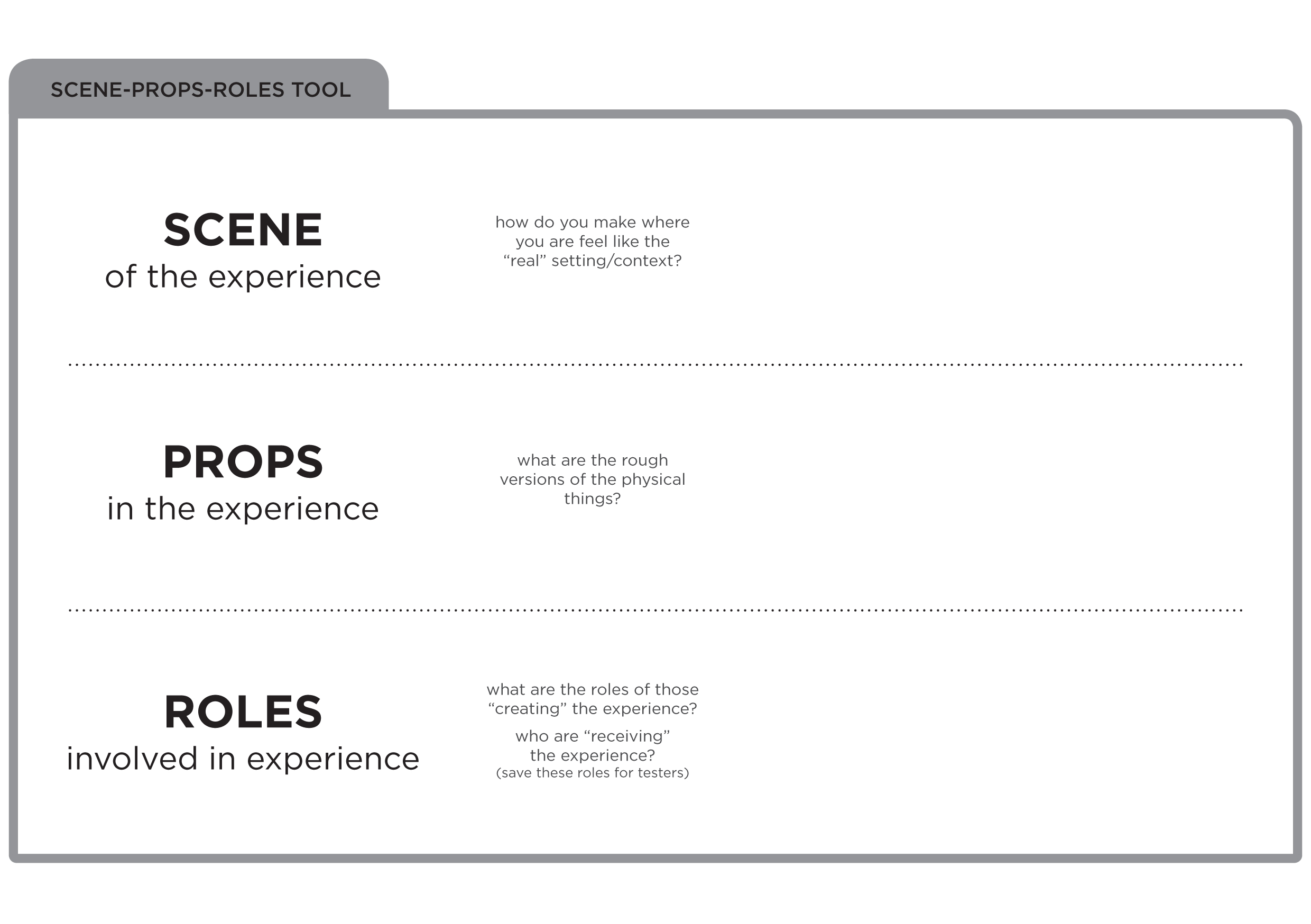
Design a (series of) prototype(s) to test all or part of your solution.
You and your team will now produce a number of an inexpensive, scaled-down version of the product or specific features found within the product so that you can investigate the problem solutions generated in the previous stage.
(Take 30 - 45 minutes for this stage)
Step 5: Test
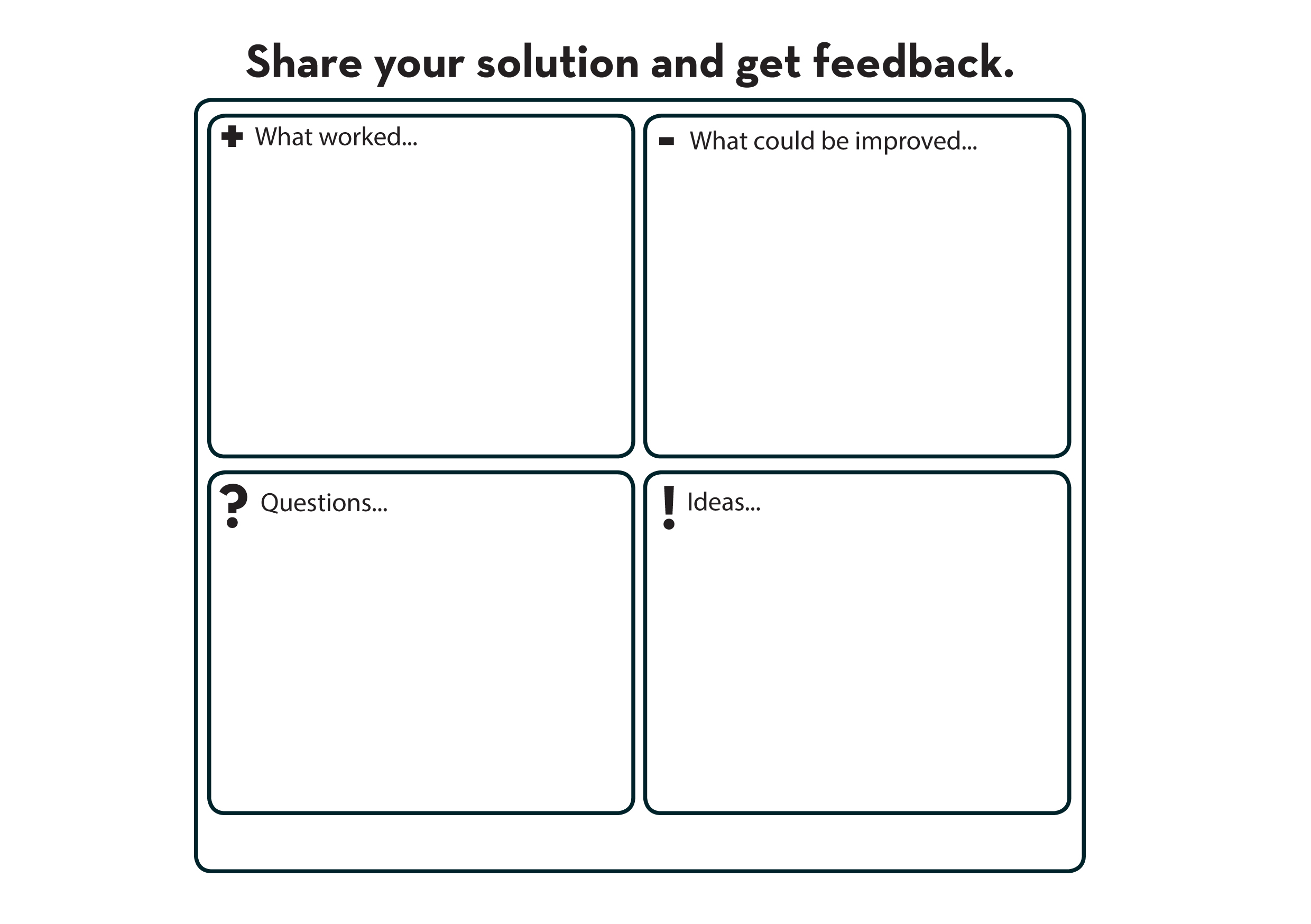
Engage in a short-cycle testing process to refine and improve your solution.
In this stage, you must test the complete product using the best solutions identified during the prototyping phase. This is the final stage, but in an iterative process, the result generated during the testing phase are often used to redefine one or more problems and inform the understanding of the users, the conditions of use, how people think, behave, and feel, and to empathize.
(Take 30 - 45 minutes for this stage)

AI-Enhanced Design Thinking Tools
Discover how to supercharge 7 essential Design Thinking tools with AI assistance. Enhance your empathy, ideation, and evaluation processes for more impactful Service-Learning projects.

Tool 1: Persona
DOWNLOAD : [Persona-Template.pdf]
TRADITIONAL APPROACH:
Conduct user interviews and observations
Identify patterns and create representative profiles
Include demographics, goals, pain points, behaviors
AI ENHANCEMENT OPTIONS:
Analysis Help: Analyze these interview transcripts and identify common user patterns
Profile Expansion: Based on this persona, generate additional demographic variations
Scenario Testing: How would this persona respond to [specific solution]?
# BEST FOR: Understanding diverse community stakeholders
Tool 2: Journey Map
DOWNLOAD : [Journey-Map-Template.pdf]
TRADITIONAL APPROACH:
Map user experience across touchpoints
Identify pain points and emotional highs/lows
Document interactions and opportunities
AI ENHANCEMENT OPTIONS:
Gap Identification: "Review this journey map and suggest missing touchpoints"
Pain Point Analysis: “What are the three biggest frustration points in this journey?”
Improvement Ideas: "Generate solutions for the identified pain points"
# BEST FOR: Service experience analysis and improvement


Tool 3: AEIOU
DOWNLOAD : [AEIOU-Template.pdf]
TRADITIONAL APPROACH:
Document observations in five categories:
Activities
Environments
Interactions
Objects
Users
AI ENHANCEMENT OPTIONS:
Pattern Recognition: "Analyze these AEIOU observations and identify themes"
Connection Finding: "What unexpected connections exist between these categories?"
Insight Generation: "What do these observations suggest about user needs?"
# BEST FOR: Field research and observational studies
Tool 4: Empathy Map
DOWNLOAD : [Empathy-Map-Template.pdf]
TRADITIONAL APPROACH:
Map what users:
Say
Think
Do
Feel
AI ENHANCEMENT OPTIONS:
Emotional Analysis: "Based on these user statements, what emotions are they experiencing?"
Need Identification: "What unspoken needs might these users have?"
Contradiction Spotting: "Where are there gaps between what users say and do?"
# BEST FOR: Deep user understanding and empathy building


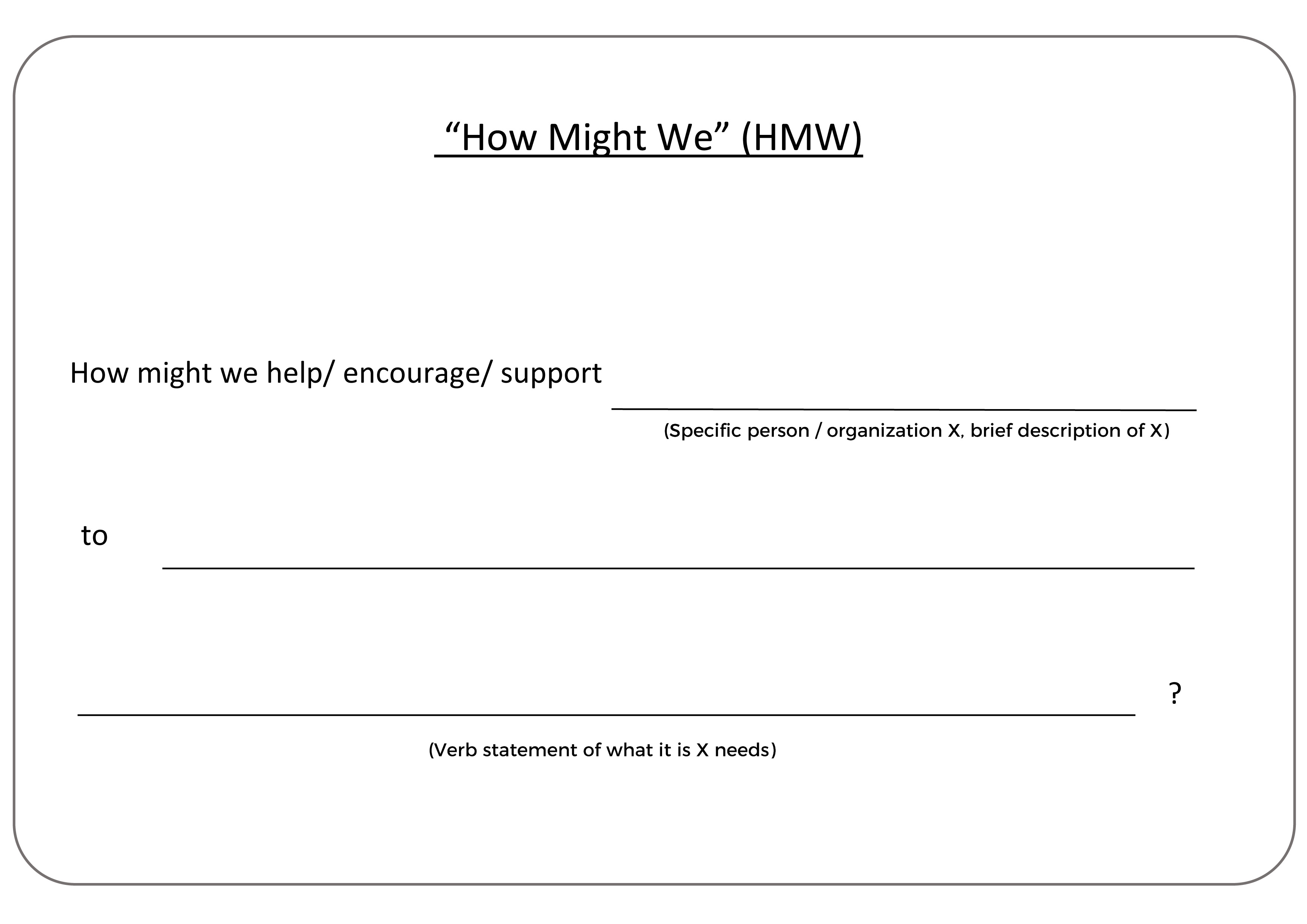
Tool 5: “How Might We”
DOWNLOAD : [HMW-Questions-Template.pdf]
Reframe problems into opportunity questions
Start with "How Might We..."
Focus on actionable, optimistic framing
AI ENHANCEMENT OPTIONS:
Question Generation: "Generate 10 'How Might We' questions about [challenge]"
Perspective Shifting: "Create HMW questions from [stakeholder] perspective"
Refinement Help: "Which of these HMW questions are most actionable?"
# BEST FOR: Problem reframing and opportunity finding
Tool 6: Mind Mapping
DOWNLOAD : [Mind-Mapping-Template.pdf]
TRADITIONAL APPROACH:
Start with central concept
Branch out with related ideas
Visualize connections and relationships
AI ENHANCEMENT OPTIONS:
Idea Expansion: "Generate additional branches for [central concept]"
Connection Finding: "What unexpected connections exist between these ideas?"
Theme Identification: "What major themes emerge from this mind map?"
# BEST FOR: Brainstorming and idea organization


Tool 7: Score Your Ideas
DOWNLOAD : [Score-Your-Ideas-Template.pdf]
TRADITIONAL APPROACH:
Establish evaluation criteria
Score ideas against each criterion
Compare and select strongest concepts
AI ENHANCEMENT OPTIONS:
Criteria Suggestions: "What evaluation criteria should we use for [type of project]?"
Objective Scoring: “Score these ideas against [criteria] objectively”
Improvement Ideas: "How could we improve the lower-scoring ideas?"
# BEST FOR: Idea evaluation and selection