


Forgot Password
Available to:
How to Do?
1. Access Self-Service Password Management Portal via https://selfservice.ln.edu.hk.
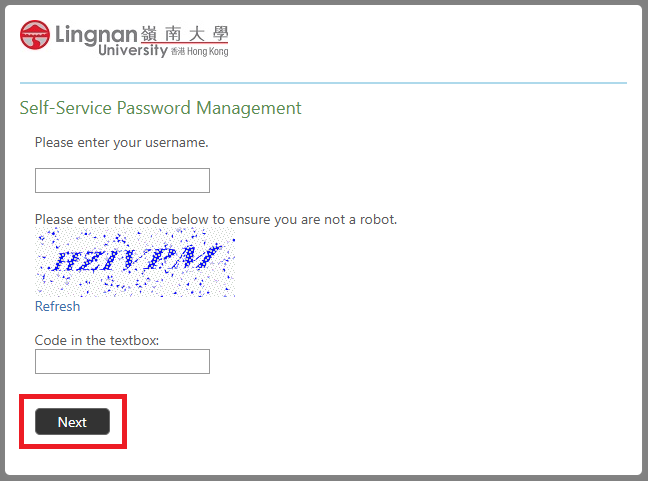
2. Enter your username and the code showed in the textbox and click "Next".
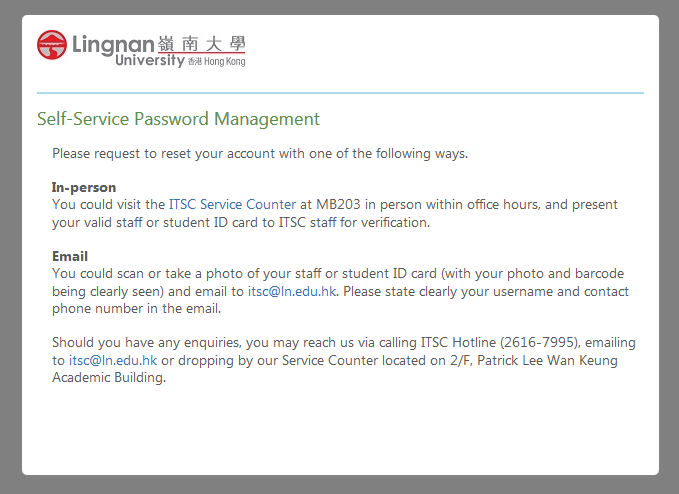
3. If you have not registered security questions, you need to request for password reset from ITSC.
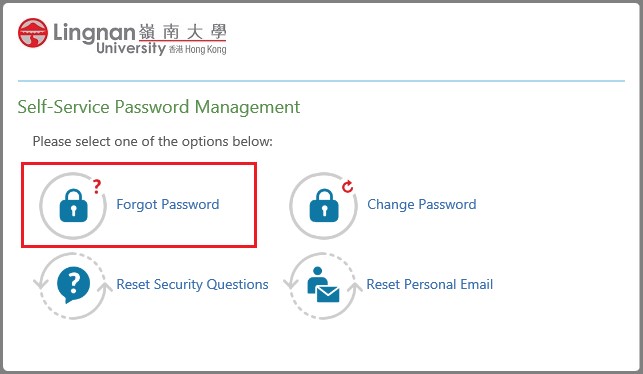
4. Click the "Forgot Password" button as below.
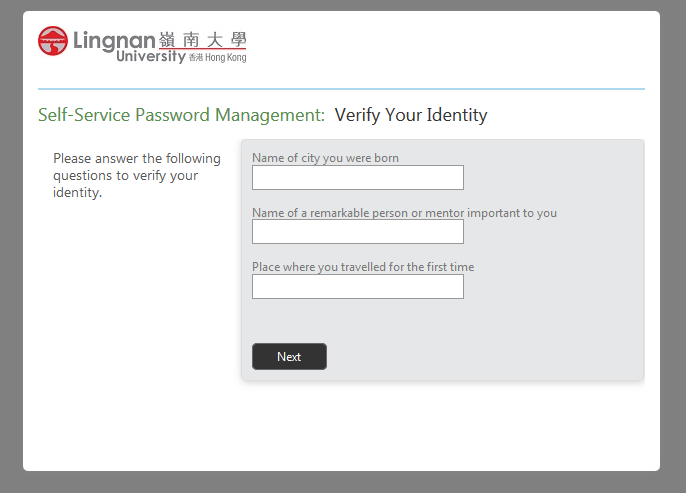
5. Answer the three security questions you have registered and click "Next".
6. Enter the verification code received from your personal email and click “Next”.

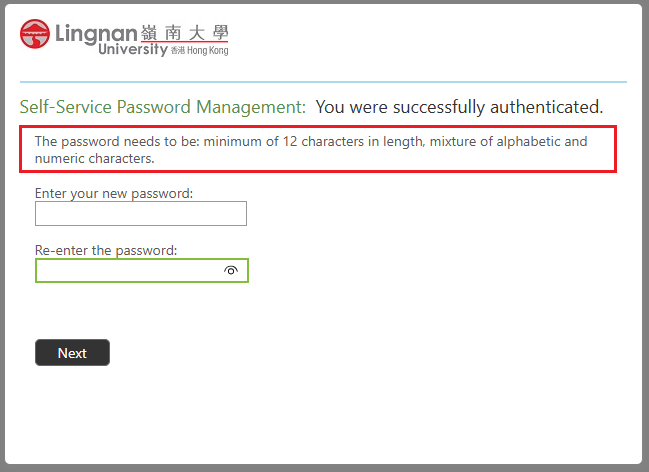
7. Type in the new password twice. The password needs to follow the rules highlighted below. Click "Next" to proceed.
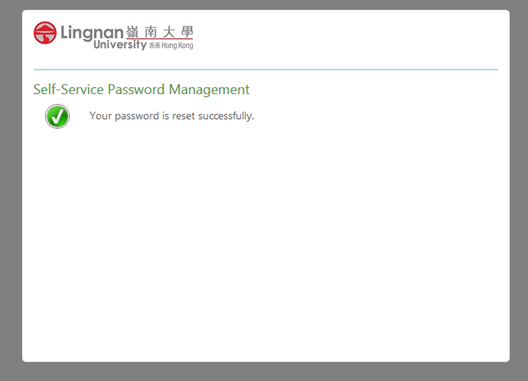
8. When password is changed successfully, emails will be sent to both your Lingnan email and personal email.
9. You are reminded to read Things to Be Aware of After You Change the Password.
Alumni Accounts
Please follow the instructions on the OIAAA web page on how to reset your password.
Departmental or Other Types of Accounts
Submit a Service Request in ITSC/Library Helpdesk.