


Renew account expiry date / update administrator or custodian information
Available To
Staff (Custodians, Departmental, Project and Contractor Account Users, Contractor Co-ordinators)
Account administrator / custodian can update account information by following the steps below.
- The user accesses the Helpdesk system by clicking the ITSC/Library Helpdesk button under IT Corner of myLingnan Portal.
Search “Application for New Departmental, Project or Contractor Accounts”.
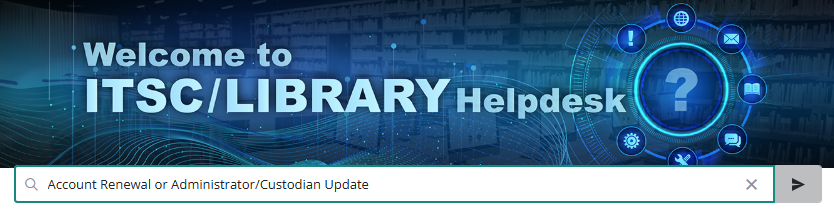
Click the Service Request to make the request.

Manage Departmental, Project and Contractor Accounts
- Manage Departmental, Project and Contractor Accounts
- Apply for new departmental, project and contractor account
- Activate new departmental, project and contractor account
- Register and using 2FA service for departmental, project and contractor account
- Expiry Accounts / Staff movement / Account Disabling handling for departmental, project and contractor accounts