

How to Label an Email
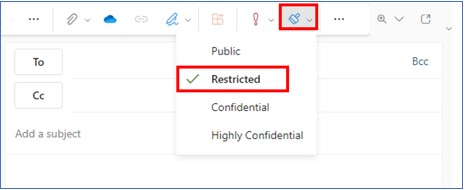
Before sending out an email, users are required to select the appropriate sensitivity label for the email.
M365 Office Outlook Client
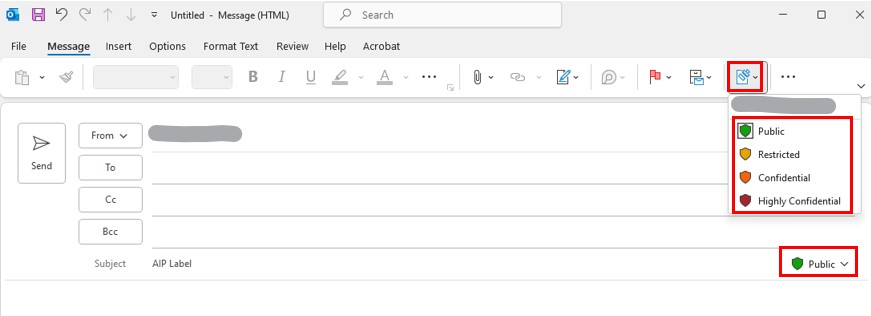
Click the sensitivity button  under the "Message" menu or the sensitivity label on the right-hand side of the subject line. Then select the corresponding classification label for the email.
Office 2016/2019 Outlook Client
Click the sensitivity button under the "Message" menu and select the corresponding classification label for the email.

Webmail System
Click the sensitivity button and select the corresponding classification label for the email